
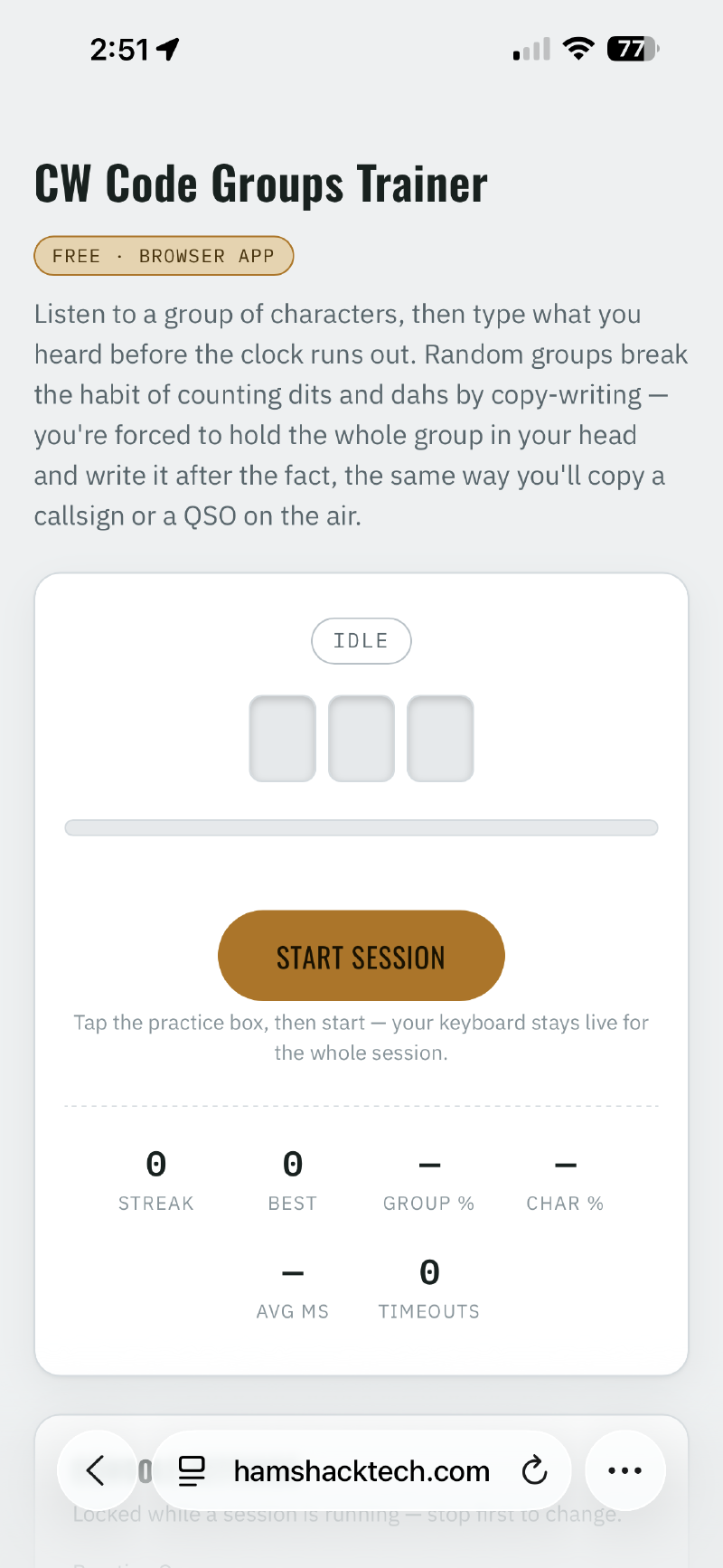
I just published two new training tools over on the CW Tools page: the CW ICR Trainer and the CW Code Groups Trainer. Both are free, live right in your browser, and need zero install.
They drill two different (and both essential) CW skills. The ICR Trainer works on Instant Character Recognition — hearing a character and knowing what it is immediately, instead of counting dits and dahs after the fact. The Code Groups Trainer works on head copy — listening to a group of two to five characters at speed and writing down what you heard only after it’s done playing, which is a lot closer to how CW actually gets sent and received on the air than transcribing letter by letter as it comes in.
Why build my own when the internet is full of these already?#
Fair question, and I want to be upfront about the answer: it’s not that the existing tools out there are bad. There are some genuinely good ICR and code-groups trainers already online, built by people who know CW far better than I do. I’m not claiming to have out-designed them.
What kept happening to me, though, was opening one of those tools, using it for a session or two, and feeling like it was almost — but not quite — the way I wanted to practice. A missing stat here, a workflow that broke my flow there, no easy way to focus on just the characters that were giving me trouble. Small friction, but enough of it that I kept bouncing off. So I built the versions I actually wanted to sit down and use every day. If they happen to be useful to you too, great. If your favorite trainer already does everything you need, keep using it — I’m not trying to replace anyone’s setup, just sharing what worked for getting me to actually practice consistently.
The feature I use the most: Your Worst Characters#
Both apps quietly track which characters you’re missing or hesitating on as you train, and surface them in a Your Worst Characters panel. That part isn’t unusual. What I wanted, though, was a fast way to actually do something about that list without breaking my practice session to go build a custom playlist somewhere else.
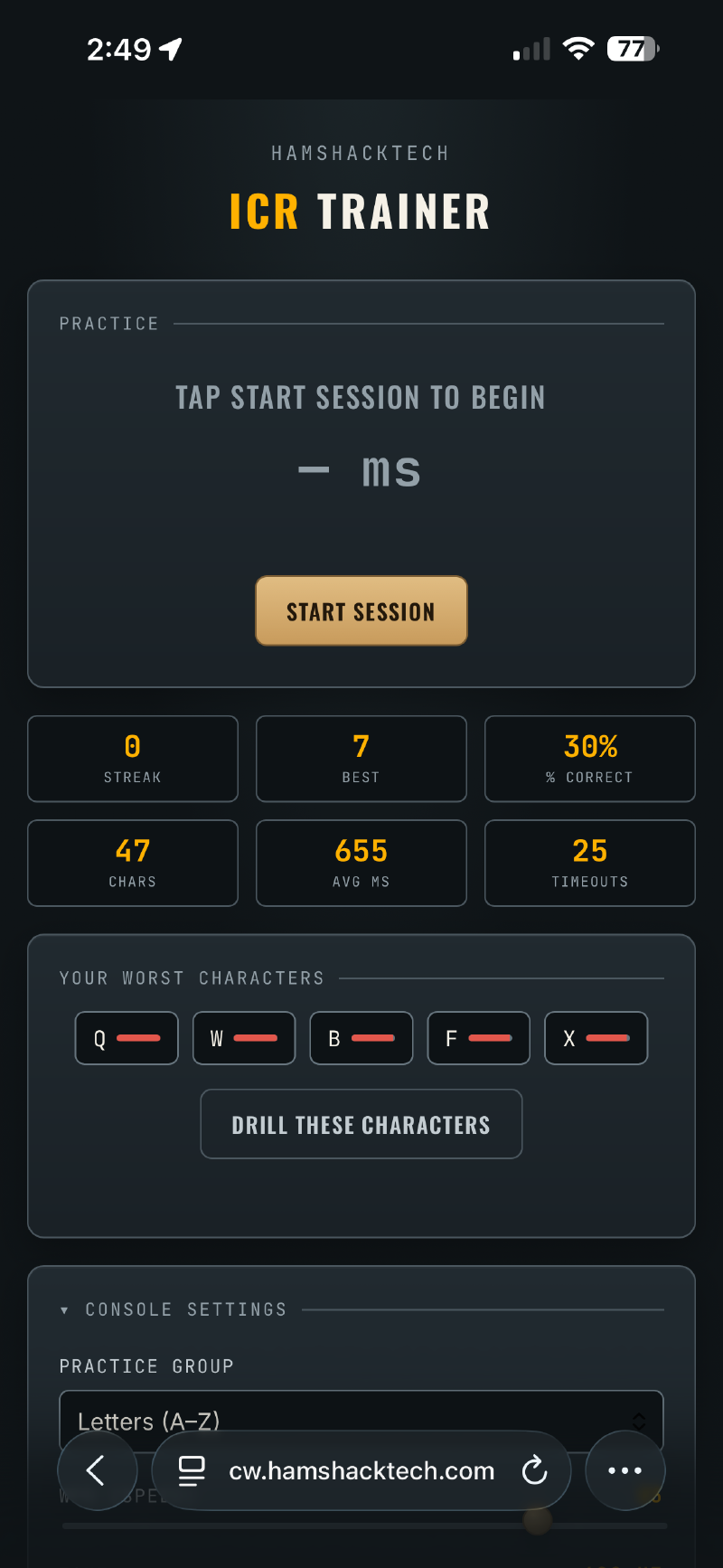
So both trainers have a Drill These Characters button sitting right next to that list. Tap it, and the app just plays your five weakest characters on a loop — pure listening, no typing, no pressure, no effect on your session stats. It’s a deliberate break from training, not more training. Get your ear back on those characters, then jump back into a normal session and watch the Worst Characters list start to shift as you improve. Still tripping on one or two? Run the drill again. It’s a small loop — train, check your weak points, drill them in isolation, train again — but it’s the thing that’s made the biggest difference in how fast I’ve been able to clean up specific characters, instead of just generally drilling everything and hoping the trouble spots sort themselves out.
Tip: add it to your phone’s home screen#
Both trainers work great on a phone or tablet, and if you save one to your home screen, it behaves like a real app — full screen, its own icon, no address bar, no digging through a browser to find it again. Just tap the icon and you’re straight into a training session.
Exactly how you do this depends on your phone, but on most it’s a “Share” or browser-menu option along the lines of “Add to Home Screen.”
Hope these are useful to you. They’re both still evolving, so if you run into something that doesn’t feel right or have an idea that would make either one better, drop me a line — I’d genuinely like to hear it.